G
ET STARTED WITH
WinKFP 5.1
1. Install WinKFP
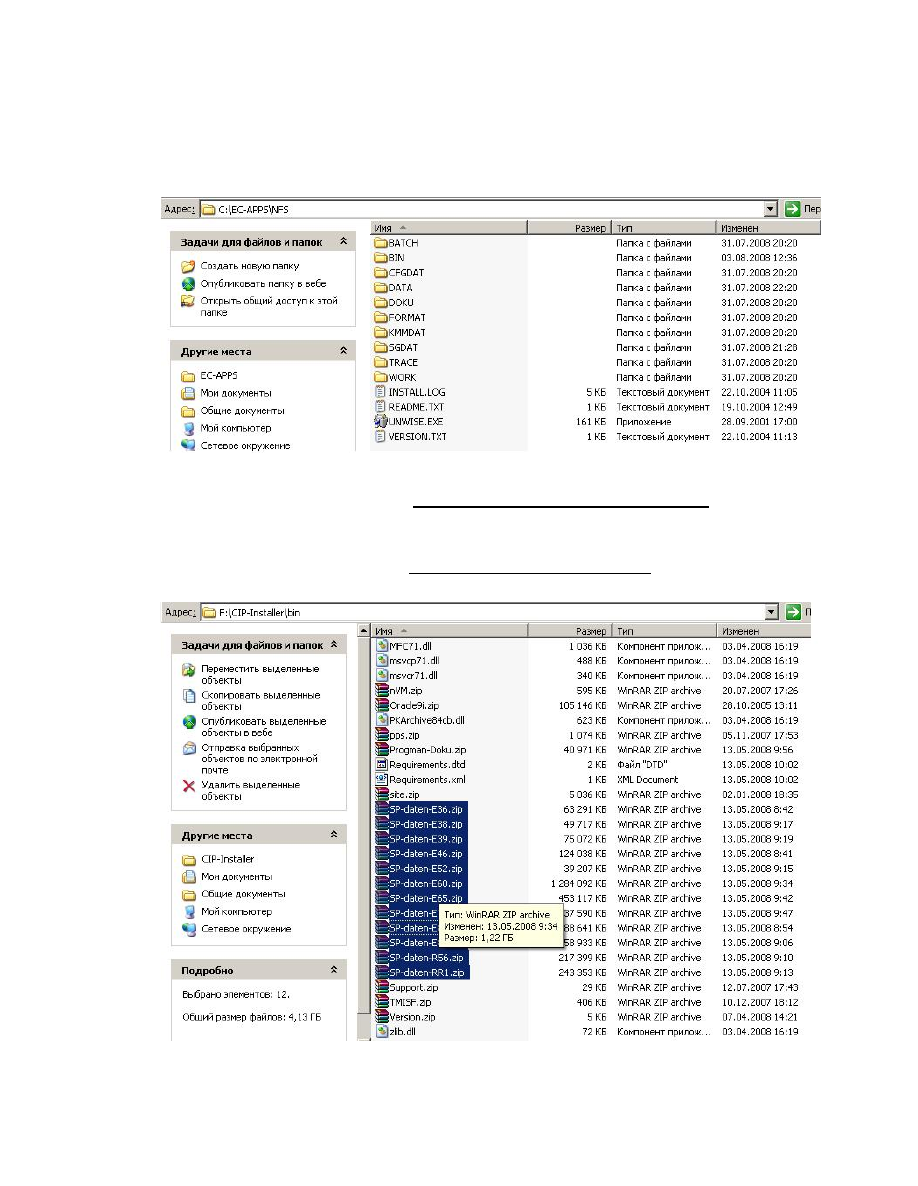
2. After installation we get some directories:
After installation the directory (Drive letter):\EC-APPS\NFS\SGDAT contains file
CABI.h only, and doesn’t contains files, required for working.
3. Mount the Progman disk in virtual drive (or insert in usual DVD-drive), extract all files
SP-daten-Exx.rar from directory (Drive letter):\CIP-Installer\bin, each one in its own
directory. (You must get directories like SP-daten-Exx)
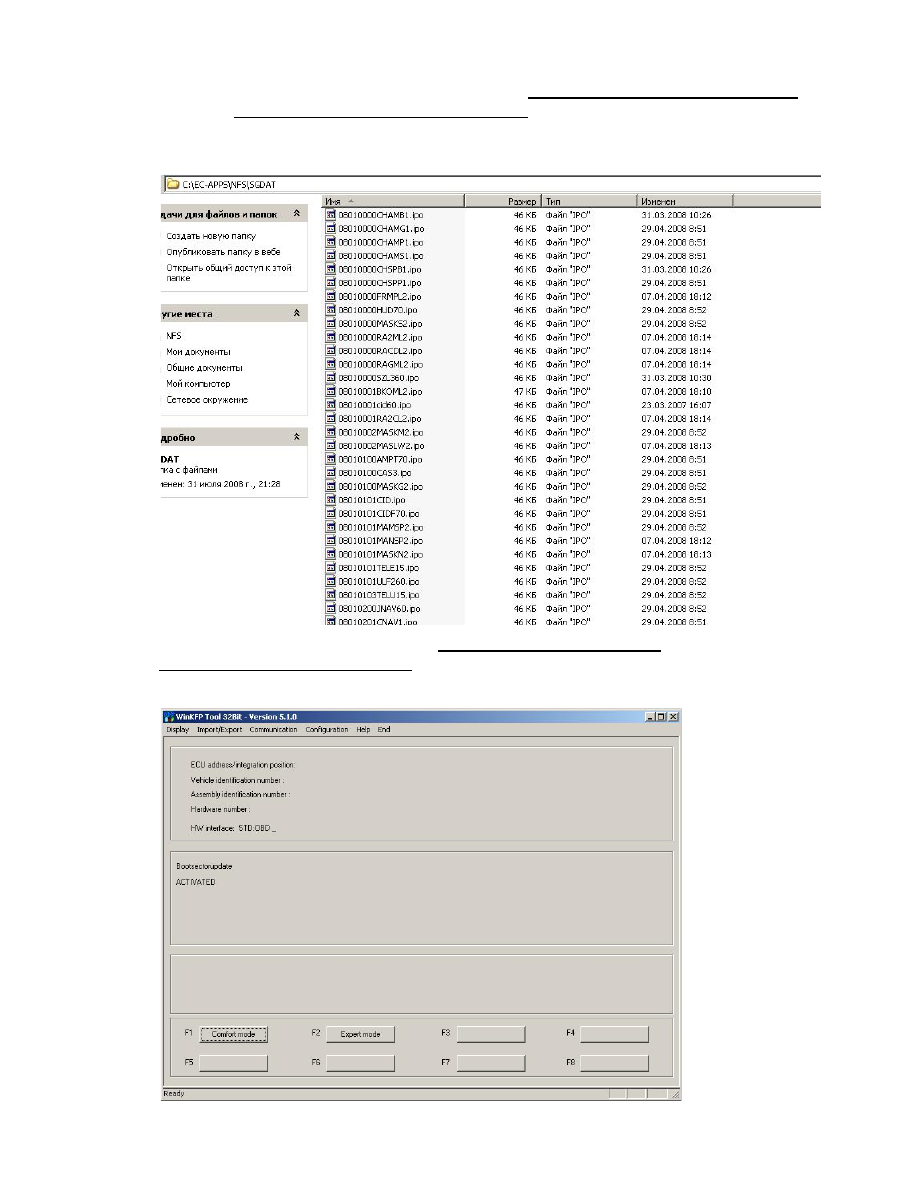
4. Now copy all *.IPO files from every directory (Drive letter):\SP-daten-Exx\sgdat to
directory (Drive letter):\EC-APPS\NFS\SGDAT. For this purpose better use Total
Commander, it allows to overwrite elder files with newest.
This directory now looks like this:
5. In the same way refresh directory (Drive letter):\EDIABAS\Ecu with files taken from
(Drive letter):\SP-daten-Exx\ecu
6. Run WinKFP

7. Choose “Import/Export – Import – Assemly line data” and import all data needed from
directories (Drive letter):\SD-daten-Exx\DATA
Details how to import assembly line data are given in official manual for WinKFP
8. After importing the data, copy all files from directory (Drive letter):\SD-daten-
E70\DATA\gdaten
to
directory
(Drive
letter):\EC-APPS\NFS\DATA\GDATEN,
overwriting all existing files.
Note: If you use Progman v.30 for updating WinKFP,
it has error in file
\GDATEN\Sgidc.as2. Simply open this file with Notepad and delete line 165.
WinKFP is ready for programming
Wyszukiwarka
Podobne podstrony:
HOW TO START A REVOLUTION
How to Start Your Engineering Consulting Business
Mike Enlow How to Start With Nothing And Create Great Wealth
HOW TO START A REVOLUTION
Lucy Tobin Entrepreneur How to Start an Online Business Capstone (2012)(2)
How To Lose 10 Pounds In A Week The Ultimate 7 Day Weight Loss Kick Start
How to read the equine ECG id 2 Nieznany
CISCO how to configure VLAN
O'Reilly How To Build A FreeBSD STABLE Firewall With IPFILTER From The O'Reilly Anthology
How to prepare for IELTS Speaking
How To Read Body Language www mixtorrents blogspot com
How to summons the dead
How to draw Donkey from Shrek
How to Use Linked In
How to build a Raised Formal Pool
How to make
How to make an inexpensive
więcej podobnych podstron