Step-By-Step Guide
To keep an airplane in the air
—and to land it safely on a runway—a real-world pilot must understand and manage
many controls. There's a lot to know about Flight Simulator, too, but that's part of the fun and challenge.
Navigating through Flight Simulator
After you install and start Flight Simulator, use the links on the left side of the screen to navigate among the screens.
If you're an experienced Flight Simulator pilot, you already know a lot about flying. Your task will be to learn about the
latest Flight Simulator features.
If you're a new Flight Simulator pilot, you'll need to spend a little more time getting up to speed. The best way to learn
involves a lot of exploring: start by exploring with Missions. Keep flying, learning, and having fun.
To get the most out of the latest Flight Simulator features, you may want to try exploring in the following order:
Home
The Home page has news and insider information about Flight Simulator from the FSInsider Web site.
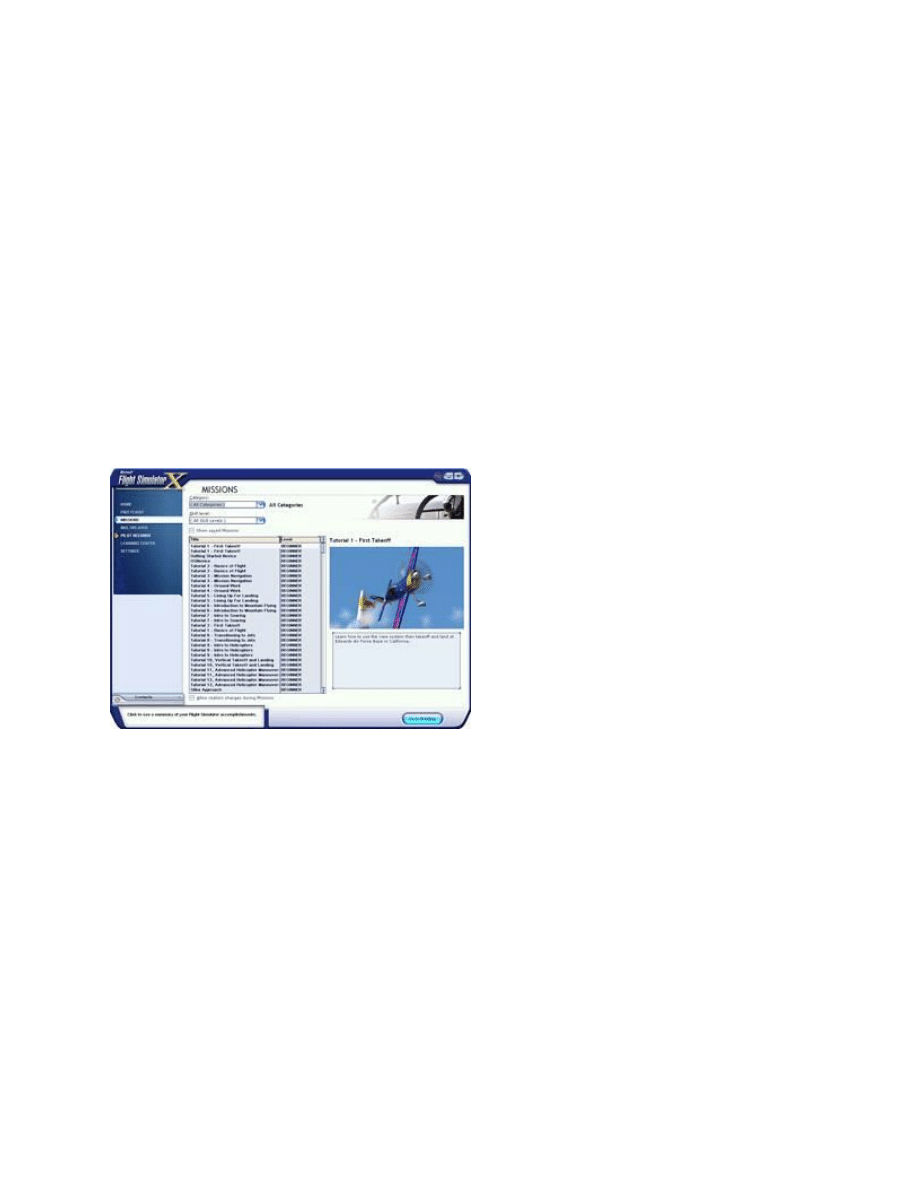
Missions
Missions combine story, events, and audio to create a more structured kind of experience than you find in Free Flight.
The tutorial Missions help new Flight Simulator users get started flying and the other Missions challenge Flight
Simulator veterans to try something new.
To fly a Mission, click Missions on the left side of the screen, then select a Mission from the list.
Learning Center
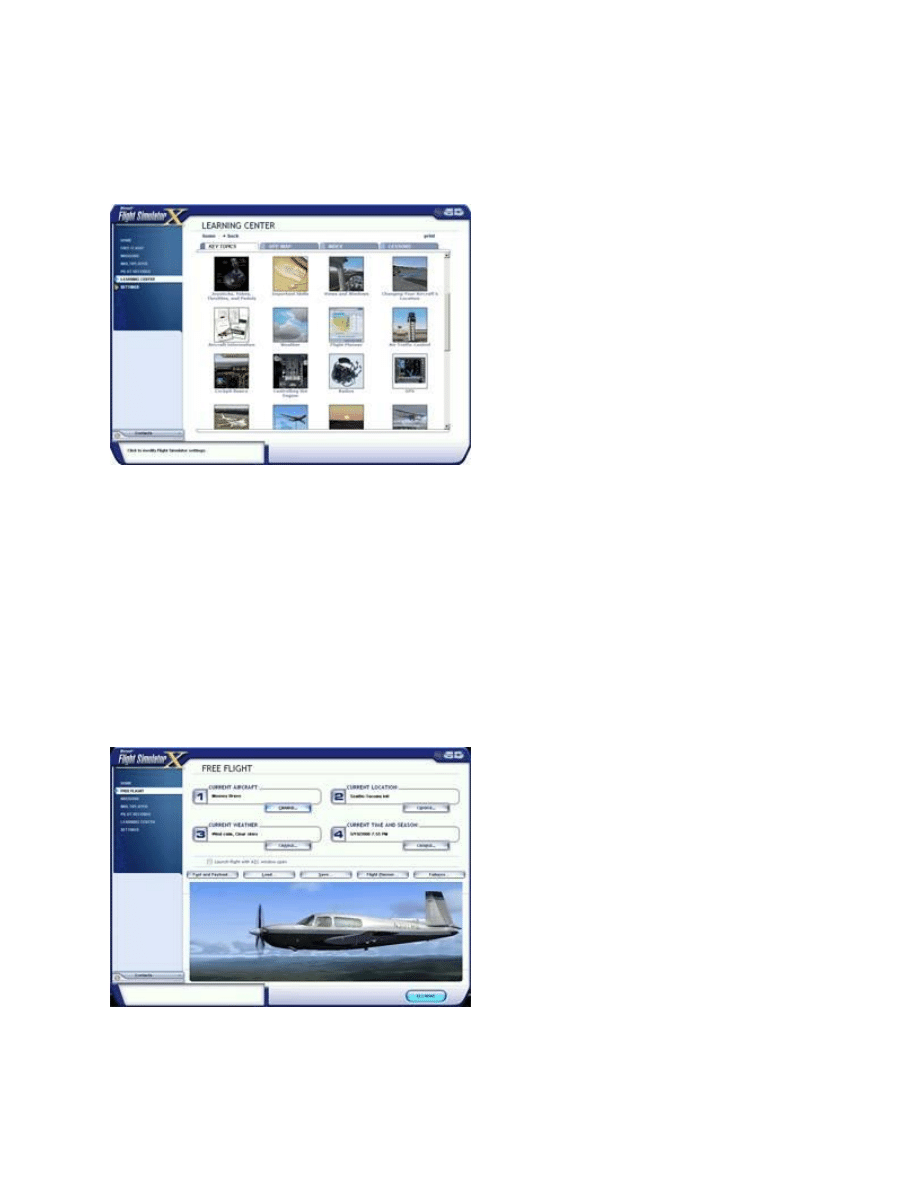
The Learning Center is your source for information about Flight Simulator. Here you'll find dozens of articles
covering the basics of flying, including Using a Joystick, Using the Mouse in the Cockpit, Using Weather and
much more.
Navigating through the Learning Center is much like browsing the Web; each article includes related links that
connect you to other articles.
To look for information in the Learning Center, use the four tabs at the top of the Learning Center screen. Key
Topics presents a visual way to explore major themes in Flight Simulator. The Site Map offers a comprehensive
table of contents that lists every article in the Learning Center by title. And the Index allows you to find articles by
keywords or themes, much as you would use the index of a book.
The Learning Center includes a tab for Lessons with flight instructor Rod Machado. Learn real-world flying skills at
every level, from student to airline transport pilot.
Free Flight
In Flight Simulator, the whole world is available to you. In Free Flight, choose your aircraft, your starting location and
time, and the weather… then start flying. This is your chance to be a bush pilot, airline transport pilot, air mail pilot, air
racer, glider pilot, private pilot, or just about any other sort of aviator that you can imagine. To design your own
adventure, click Free Flight on the left side of the main screen.
Multiplayer
You can act as a Flight Simulator air traffic controller or share the aircraft with another pilot over the Internet or a
LAN.
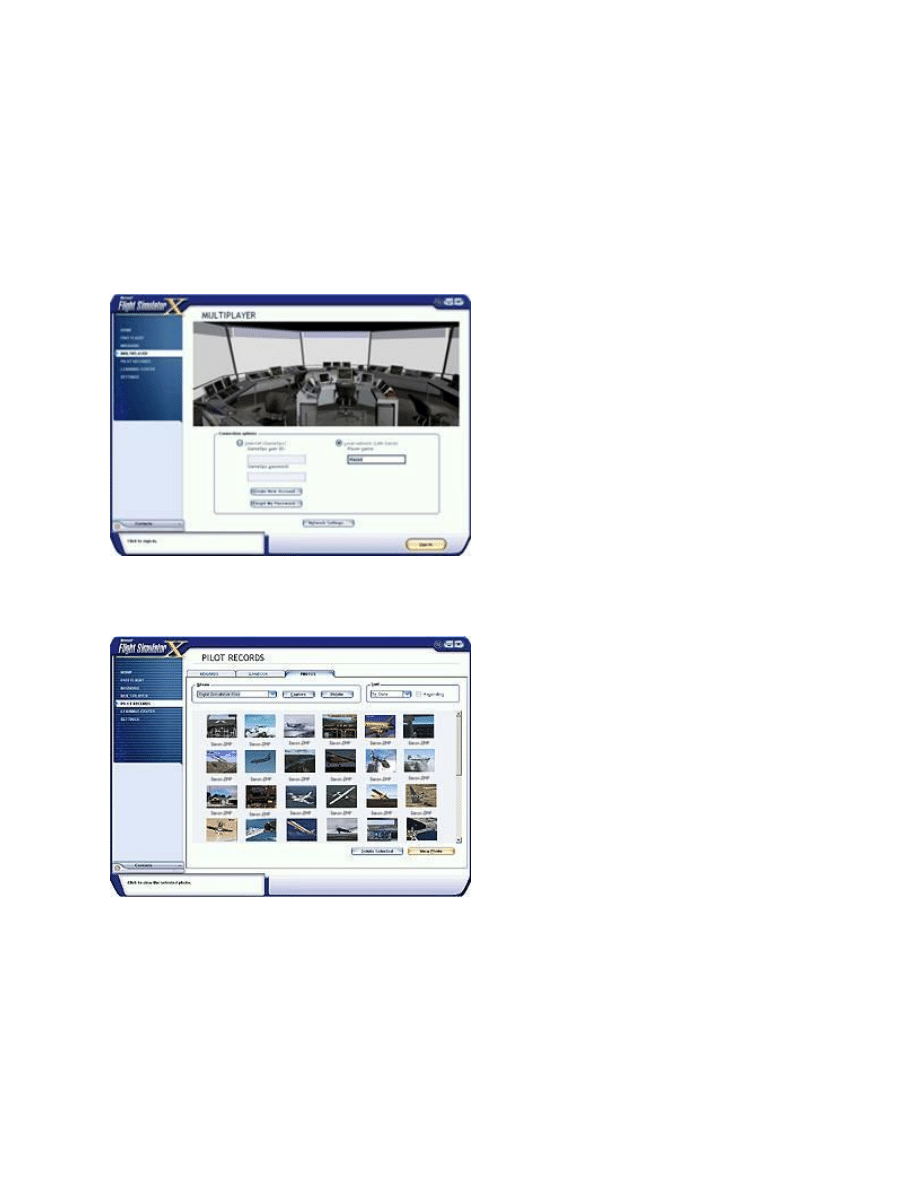
Direct other pilots from the control tower in multiplayer mode or observe air traffic from an air traffic controller's
perspective. The multiplayer Tower feature provides a highly realistic level of air traffic control interaction in Flight
Simulator.
How about live instruction on any aspect of flying or using Flight Simulator? You can give or receive instruction with
another pilot or friend over the Internet or a LAN using Flight Simulator's Shared Aircraft feature.
Flight Simulator also allows you to try formation flying, aerobatic competitions, and air racing with friends and other
pilots over a Local Area Network or the Internet through GameSpy. To set up or join a multiplayer session, click
Multiplayer on the left side of the screen.
Pilot Records
Your pilot records show all that you've accomplished as you explore and master Flight Simulator. Pilot records
include awards and trophies, your pilot logbook, and photos you take in the simulator.
Settings
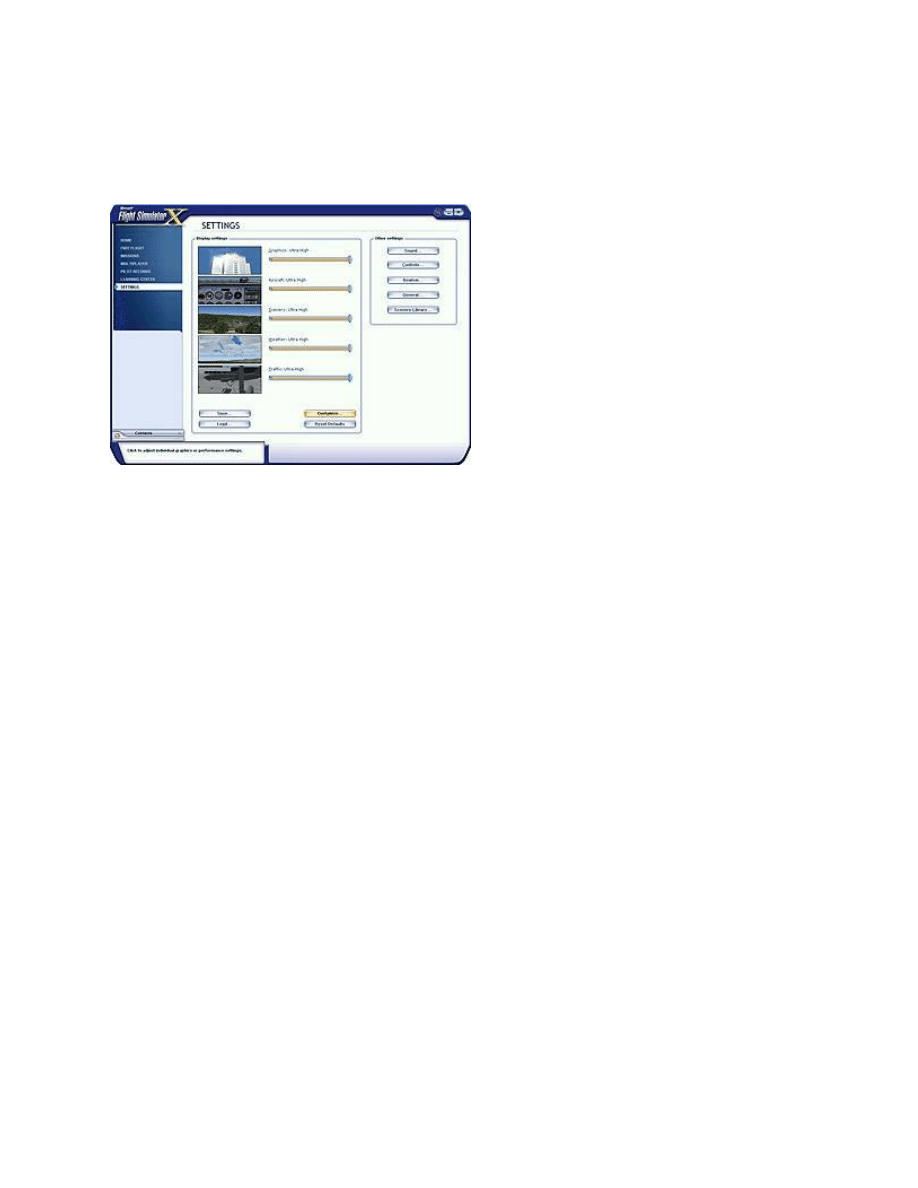
You can adjust Flight Simulator to suit your preferences, or to maximize your computer's performance. The Settings
screen lets you adjust your preferences
—for Display, Sound, Air Traffic Control, Scenery, Realism, Weather, and
much more. To customize Flight Simulator, click Settings on the left side of the main screen.
Other Ways to Learn in Flight Simulator
Help Buttons
Dialog boxes launched from within Free Flight and Settings include Help buttons at the bottom. If you would like to
read more about a topic, click the Help button to open an article with relevant information in the Learning Center.
Rollover Help
Point to the buttons and tabs on dialog boxes and screens, and look to the bottom-left corner of the screen for an
explanation of the button or tab.
Read about the Aircraft
Aircraft Information articles include detailed information about each aircraft in the Flight Simulator fleet, including its
history, flight characteristics, flight notes, and checklists. From the Key Topics screen, click on the image labeled
Aircraft Information, then select the article on the aircraft you want to learn about.
And that's just the beginning of your learning adventures. Now that you know where to discover a wealth of
information and answers, you've got lots of aircraft, more than 24,000 airports, and an entire planet to explore.
Wyszukiwarka
Podobne podstrony:
Diy Japanese Garden Easy Step By Step Guide To Make
Buidling a Home Distillation Apparatus A Step by Step Guide
Unconscious Persuasion Step by Step Guide
Drew Higgins A Serious Step By Step Guide On How To Fix Your Bad Credit Situation
The Joe Cell, A Step By Step Guide
corel draw 10 step by step learning ebook gdb7h4vpmqfmtcqjt6hcag3bj4jdxptnc67pvly GDB7H4VPMQFMTCQJT6
Here is how to reflash CARPROG Mcu AT91SAM7S256 step by step
Draw Paper Dolls step by step
hardering Cisco step by step
Here is how to reflash?RPROG Mcu AT91SAM7S256 step by step
assembly language, step by step by jeff duntemann OEN5RHUWOXE5HF5UTT4FYF73VN4TO3TAJXECAEY
corel draw 10 step by step learning ebook gdb7h4vpmqfmtcqjt6hcag3bj4jdxptnc67pvly GDB7H4VPMQFMTCQJT6
Here is how to reflash CARPROG Mcu AT91SAM7S256 step by step
step by step
więcej podobnych podstron