
Hardware Notes - Pro/ENGINEER Wildfire 5.0 and Creo Elements/Pro 5.0
Table of Content
Last updated: November 29, 2011
Certified and Supported Graphics Cards
Supported Peripherals and Accessories
Supported Finite Element Solvers
Platform Support for Data Exchange
Platform Support
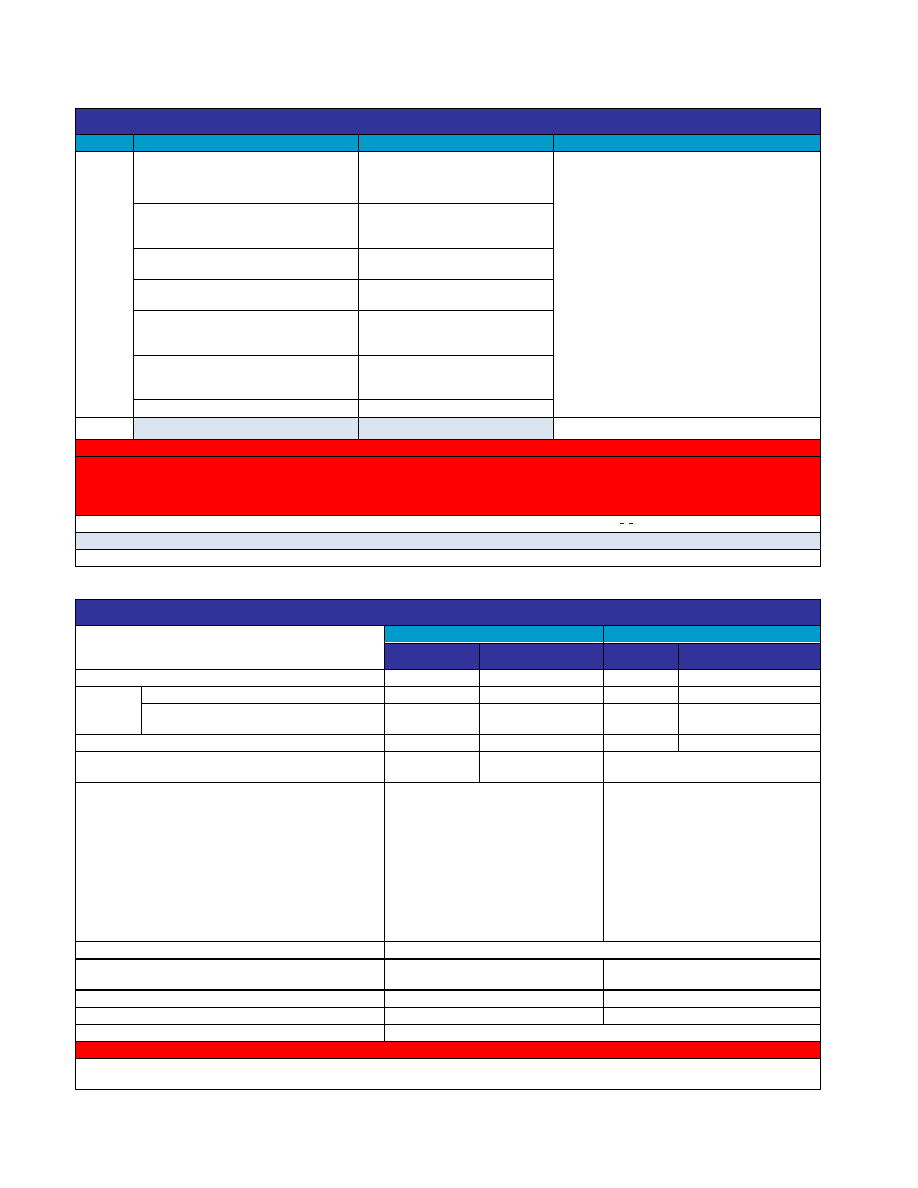
Partner
Operating System
Operating System levels
Supported Processors (CPU)
Microsoft
Windows Vista Business 64-bit Edition
Windows Vista Ultimate 64-bit Edition
Windows Vista Enterprise 64-bit Edition
Base OS, Service Pack 1 and 2
Intel Processors:
Pentium
Xeon
Core Duo/Core 2 Duo
(Including Quad-Core chips)
or
AMD Processors:
Opteron Dual Core/Quad-Core
Windows Vista Business 32-bit Edition
Windows Vista Ultimate 32-bit Edition
Windows Vista Enterprise 32-bit Edition
Base OS, Service Pack 1 and 2
Windows XP Professional x64 Edition
Base OS,
Service Pack 2
Windows XP Professional Edition;
Windows XP Home Edition
Base OS,
Service Pack 1, 2 and 3
Windows 7* Professional 64-bit Edition
Windows 7* Ultimate 64-bit Edition
Windows 7* Enterprise 64-bit Edition
Base OS
Windows 7* Professional 32-bit Edition
Windows 7* Ultimate 32-bit Edition
Windows 7* Enterprise 32-bit Edition
Base OS
Windows Server 2008 R2 64-bit Edition
Base OS
SUN
Solaris (64-bit only)
10
Intel and AMD Opteron family
NOTES
This operating system is listed in the matrix in gray to provide customers with information that can be used for early planning purposes. The
target maintenance release as shown is subject to change without prior notice and the actual maintenance release build and/or build date
may be different. Customers are encouraged to refer back to this document regularly for updated information and contact PTC Product
Management before making critical deployment decisions.
Pro/ENGINEER Wildfire 5.0 and Creo Elements/Pro 5.0 do not support HP-UX or Sun Solaris SPARC
There are currently no plans to support Creo 1.0 on Sun Solaris 10.
* Introductory support for Pro/ENGINEER on Windows 7 is available starting M010. Full support available starting M040.
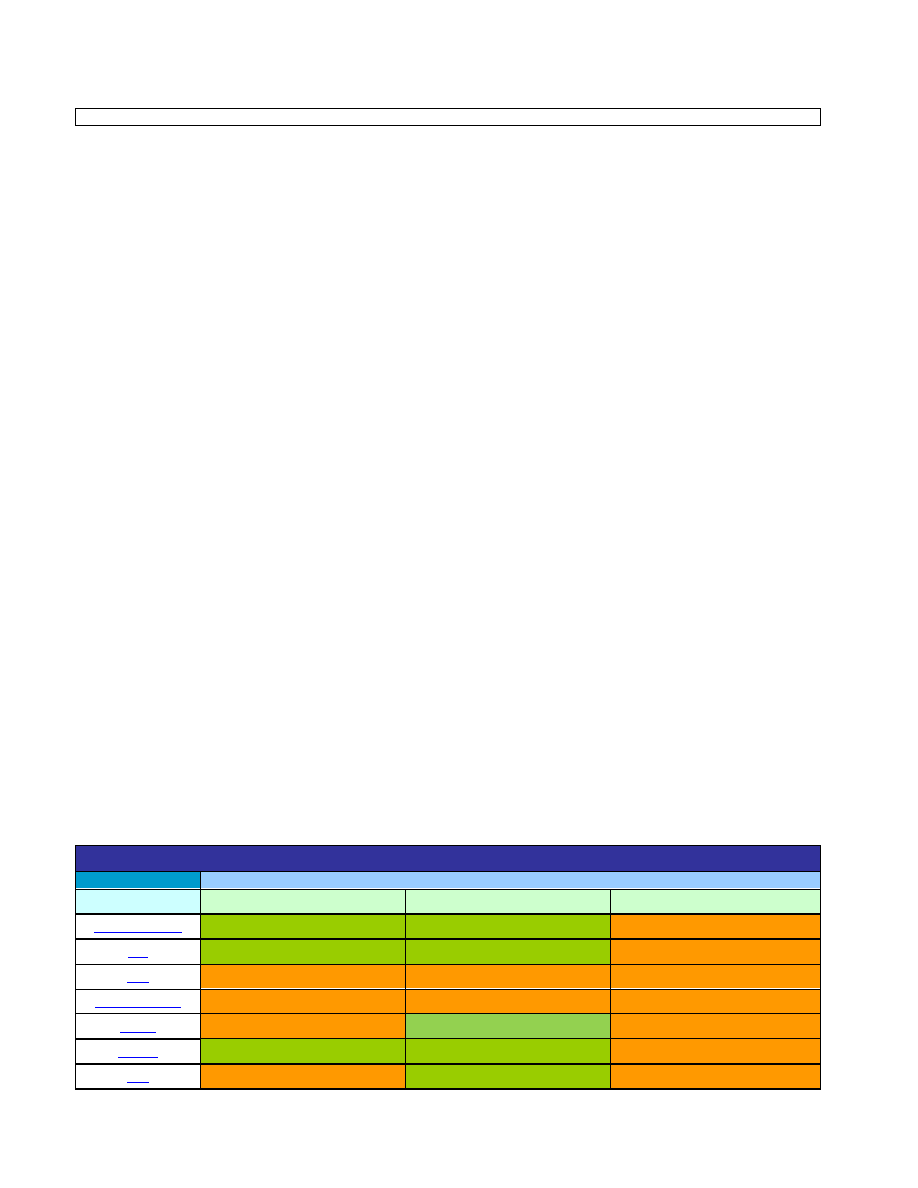
System Requirements
Windows XP, Vista
Solaris
Minimum
Recommended
Minimum
Recommended
Main Memory (RAM)
256 MB
b
1024 MB or higher
a
256 MB
1024 MB or higher
Available
Disk Space
Pro/ENGINEER and Creo Elements/Pro 5.0 2.0 GB
2.5 GB or higher
2.5 GB
3.0 GB or higher
Pro/ENGINEER Mechanica Wildfire 5.0 and
Creo Elements/Pro Mechanica 5.0
2.0 GB
3.0 GB or higher
3.0 GB or
higher
3.5 GB or higher
Swap Space
500 MB
2048 MB or higher
500 MB
2048 MB or higher
CPU speed
500 MHz
2.4 GHz or higher
See above table for individual vendor
processor support
Internal Browser Support
One of the following:
Microsoft Internet Explorer 9.0 (with
M110 release and later)
Microsoft Internet Explorer 8.0 (with
official release)
Microsoft Internet Explorer 7.0
Microsoft Internet Explorer 6.0 (SP1
or later)
Mozilla based browser (embedded
with Pro/Engineer and Creo
element/Pro 5.0)
Mozilla based browser (embedded with
Pro/Engineer and Creo Elements/Pro
5.0)
Monitor
1280 x 1024 (or higher) resolution support with 24-bit or greater color
Network
Microsoft TCP/IP Ethernet Network
Adapter
TCP/IP Ethernet Network Adapter
Mouse
Microsoft-approved 3-button mouse
3-button mouse
File systems
NTFS
All vendor-supported file systems.
Misc.
DVD drive
NOTES
a
For Windows XP only. For 32-bit operating systems, the Windows limit is 2.0GB. For Windows XP you must enable the /3GB switch in
order to utilize RAM greater than 2.0GB.
b
For Windows Vista minimum RAM is 512MB
Limitations of 32-bit Windows platforms
When considering upgrade from any release of Pro/ENGINEER Wildfire to Creo Elements/Pro 5.0 and using this product for operations on
large assemblies, customers must analyze whether their current 32-bit hardware is sufficient for large assembly operations. PTC recommends
that in any case where customers are currently using /3Gb switch on 32-bit hardware to support large assembly operations while running
Pro/ENGINEER Wildfire, customers must upgrade to 64-bit hardware for these operations while running Creo Elements/Pro 5.0. PTC will no
longer support out of memory conditions on 32-bit hardware when the /3Gb switch is.
Graphics Information
For 3D-hardware acceleration, an OpenGL graphics card must be used that has been tested in a PTC-certified configuration. To ensure the
compatibility of a graphics driver with Pro/ENGINEER Wildfire 5.0 and Creo Elements/Pro 5.0, a PTC-certified hardware configuration is
recommended.
For users of Direct3D on Windows Vista March 2009 release of the Direct3D 10.0 End User Run Time libraries must be installed. In
addition Medium to High-End graphics card that fully supports Direct3D 10.0 is recommended for adequate performance. Visit Microsoft
website for more information about downloading and installing Direct3D.
Dual Monitor Support
Limited dual monitor support is provided in Pro/ENGINEER Wildfire 5.0 and Creo Elements/Pro 5.0 on the Windows platform. PTC has
successfully performed limited testing of some graphics card models from AMD(ATI) and NVIDIA that support dual monitor capabilities. If your
graphics card is certified for Pro/ENGINEER Wildfire 5.0 and Creo Elements/Pro 5.0 and provides dual monitor support**, PTC expects that it
will run in this mode without issue. PTC will provide limited support to resolve issues arising when running in dual monitor mode, however, the
entire solution will not be submitted for formal certification as a complete configuration.
Note: in the event that dual monitor mode fails, we advise use of Span mode as a workaround.
**Please consult with AMD, NVIDIA, or the hardware platform partner to confirm the availability of this functionality with a given graphics card
that has been certified with Pro/ENGINEER Wildfire 5.0 and Creo Elements/Pro 5.0.
Certified and Supported Graphics Cards
PTC provides Customer Support for all certified and/or supported graphics cards. Please note that graphics cards are part of a fully-certified or
supported configuration (e.g., machine, model, operating system, graphics card and driver).
PTC does not certify or support graphic cards independently from the configurations in which they are certified or supported. Please refer to
the linked partner pages for specific configurations.
Additional support information will be added to this table as our platform partners complete certifications in preparation for production shipment
of Wildfire 5.0.
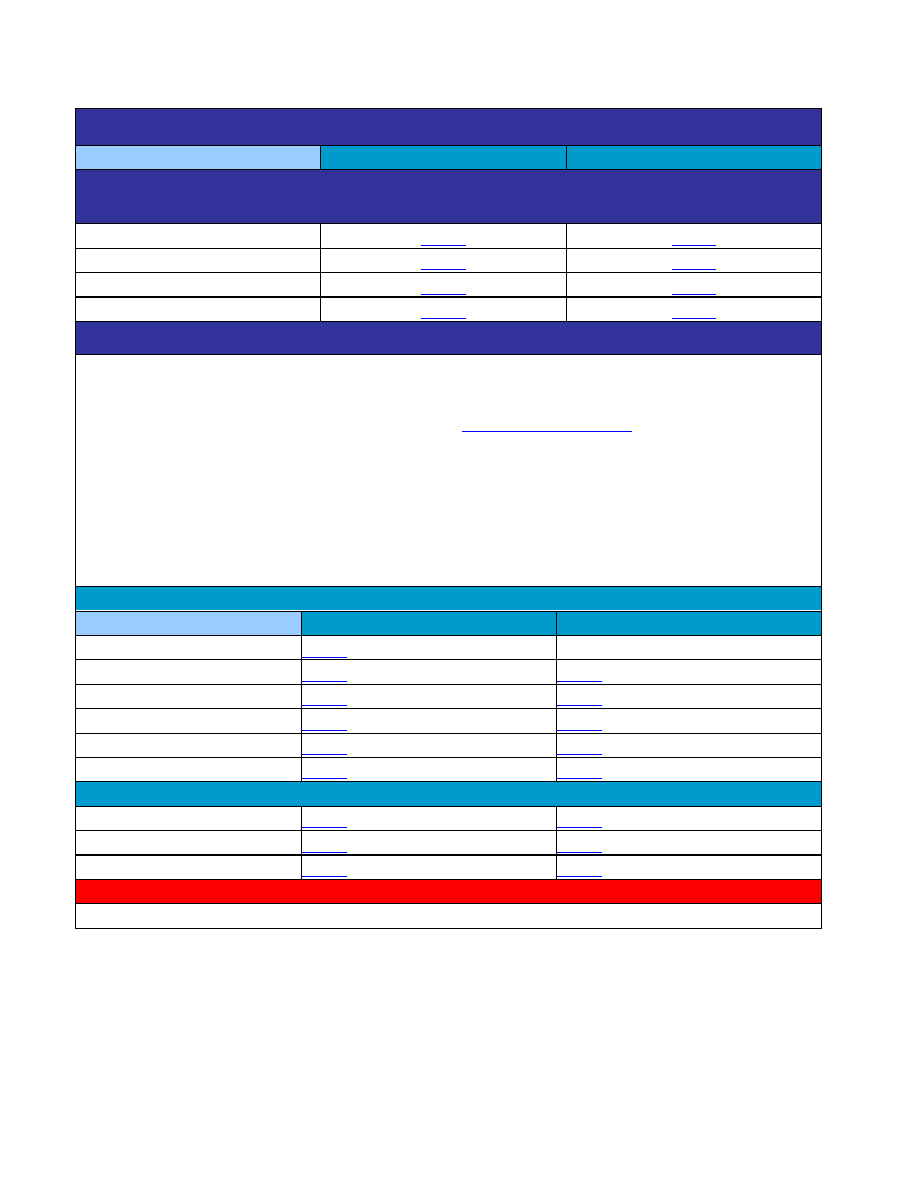
Supported Graphics Cards
Partners
Graphics Hardware Vendors
Workstation Vendors
AMD (ATI)
NVIDIA
Other
Yes
Yes
No
Yes
Yes
No
No
No
No
No
No
No
No
Yes
No
Yes
Yes
No
No
Yes
No

Supported Peripherals and Accessories
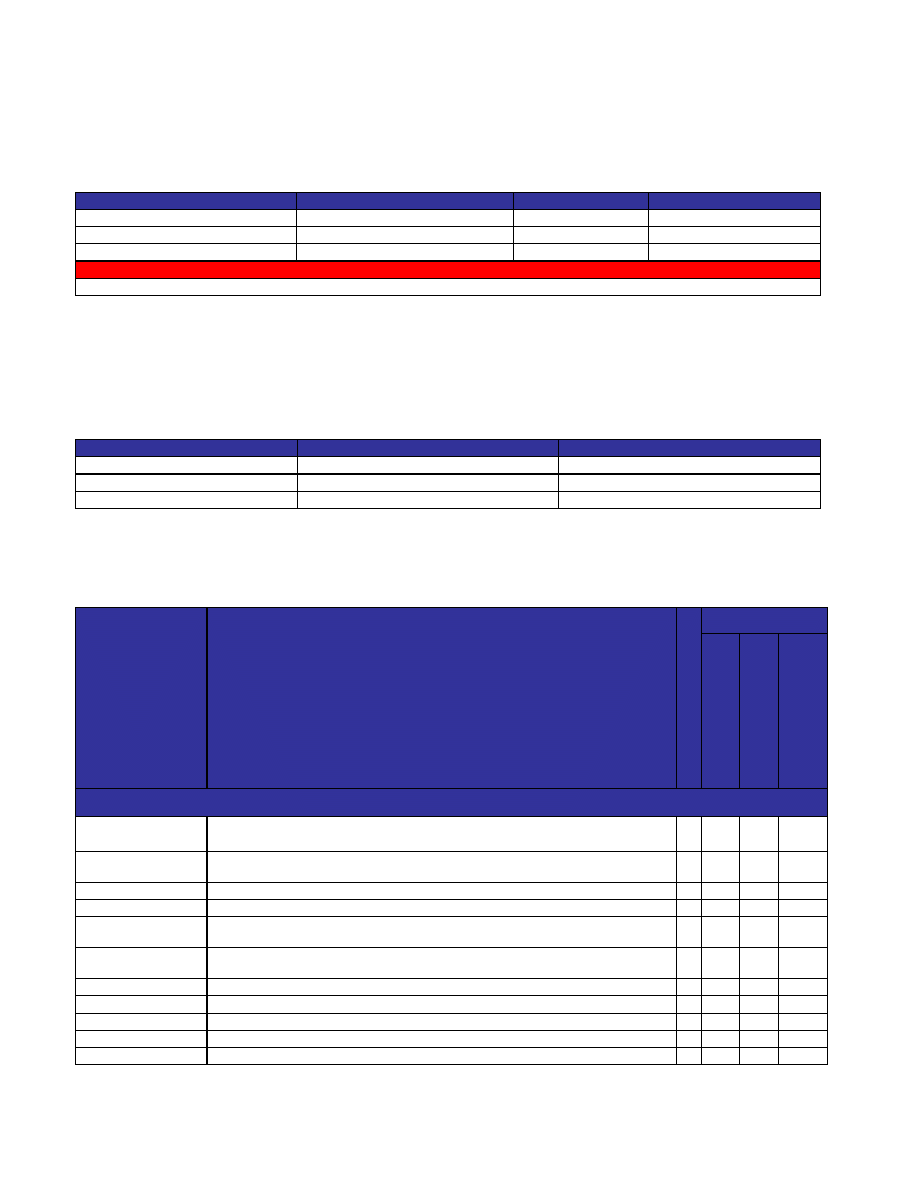
Windows (XP, XP x64, Vista)
Sun Solaris
3D Controllers (Pro/ENGINEER and Creo Element/Pro 5.0 only) Please refer to
http://www.3dconnexion.com/software/ for specific driver information.
SpaceNavigator
SpaceNavigator for Notebooks
SpaceExplorer 3DX
SpacePilot 3DX
Plotters and Printers
Pro/ENGINEER and Creo Elements/Pro 5.0 supports HPGL, HPGL/2, PostScript, Calcomp, Gerber and Versatec standard plotting formats.
In addition, Pro/ENGINEER and Creo Elements/Pro 5.0 supports the Microsoft Print Manager.
If you do not see your printer/plotter on the list below, please refer to the
Introduction and Support Policy
Emulation
Various manufacturers produce printers and plotters that may be compatible with or emulate a device that is supported by PTC. Please be
aware that such devices are not tested by PTC and therefore, may not produce correct plotted output. If you are using a device which
emulates a printer or plotter listed in the tables below, PTC Technical Support will attempt to provide support by using a similar certified
device. Any support pertaining to compatibility with a supported plotter or the correctness of emulation can only be made by the
manufacturers of the device in question, and not by PTC.
The Microsoft Printer Manager creates an emulation of what appears on the screen and attempts to print this. Since this emulation is
between the Print Manager driver and the printer/plotter driver, quality and results may vary. You may choose to try a certified PTC
printer/plotter driver, which has been optimized for high quality printing.
Plotters
Windows XP
Sun Solaris
HP T1200
Not supported *
HP Designjet 1055CM+
HP Designjet 800PS
HP Designjet 5500PS
HP Designjet copier cc800PS
HP Designjet 4000
Printers
HP deskjet 1220cps
HP color inkjet cp1700ps
HP business inkjet 2600dn
NOTES
* Due to fact that hardware manufacturer does not provide drivers for this platform.
Supported MCAD Systems
You can integrate several MCAD systems with Pro/ENGINEER Mechanica Wildfire 5.0 and and Creo Elements/Pro Mechanica 5.0. The
following table lists the supported MCAD systems and platforms.
Platforms
CoCreate Modeling (all languages)
CATIA (English only)
Unigraphics (English only)
32-bit Windows XP and Windows Vista
16.50
n/a
NX6
64-bit Windows XP and Windows Vista
16.50
n/a
NX6
Intel and AMD Based SUN Solaris x64
n/a
n/a
n/a
NOTES
n/a for Sun Solaris 64-bit (Sparc) except for CADDS/OPTEGRA SUPPORT ONLY
Supported Finite Element Solvers
You can integrate several Finite Element Solvers with Pro/ENGINEER Mechanica Wildfire 5.0 and and Creo Elements/Pro Mechanica 5.0 for
use in FEM mode. The following table lists the supported Finite Element Solvers and platforms.
Platforms
NASTRAN
ANSYS
32-bit Windows XP and Windows Vista
2008
12.0
64-bit Windows XP and Windows Vista
2008
12.0
Intel and AMD Based SUN Solaris x64
2008
12.0
Platform Support for Data Exchange
Processor
Format
Im
p
ort
/
E
x
port
Platform
32
-bi
t W
in
dows
X
P
a
nd
W
indows
V
is
ta
64
-bi
t W
in
dows
X
P
a
nd
W
indows
V
is
ta
Int
e
l a
nd
A
MD Ba
s
e
d
S
U
N
S
ol
a
ri
s
x
6
4
Image Formats
BMP
*.bmp
– Edit via Image Editor, used in style feature as trace sketch, export parts and
assemblies via Distributed Pro/BATCH
I/E Yes
Yes
Yes
EPS
*.eps
– Save a Copy of parts and assemblies, export parts and assemblies via
Distributed Pro/BATCH
E
Yes
Yes
Yes
GIF
*.gif
– import via Image Editor, used in style feature as trace sketch
I
Yes
Yes
Yes
HDR
*.hdr
– import via Image Editor
I
Yes
Yes
Yes
JPEG
*.jpg
– Edit via Image Editor, used in style feature as trace sketch, Save a Copy of parts
and assemblies, export parts, assemblies and drawings via Distributed Pro/BATCH
I/E Yes
Yes
Yes
– Save a Copy of parts, assemblies and drawings, export parts and assemblies via
Distributed Pro/BATCH
E
Yes
Yes
No
Picture
*.pic
– Save a Copy of parts, assemblies and drawings
E
Yes
Yes
Yes
PNG
*.png
– Edit via Image Editor, used in style feature as trace sketch
I/E Yes
Yes
Yes
PTC Bumpmap
*.tx1
– Edit via Image Editor
I/E Yes
Yes
Yes
PTC Color Texture
*.tx4
– Edit via Image Editor, used in style feature as trace sketch
I/E Yes
Yes
Yes
PTC Decal
*.tx3
– Edit via Image Editor, used in style feature as trace sketch
I/E Yes
Yes
Yes
PTC Image
*.imf
– Edit via Image Editor, used in style feature as trace sketch
I/E Yes
Yes
Yes
RGB
*.rgb
– Edit via Image Editor, used in style feature as trace sketch
I/E Yes
Yes
Yes
RLA
*.rla - Edit via Image Editor, used in style feature as trace sketch
I/E Yes
Yes
Yes
Session Texture
*.mem
– Import via Image Editor
I
Yes
Yes
Yes
Shaded Image
*.shd
– Edit via Image Editor, Save a Copy of parts and assemblies
I/E Yes
Yes
Yes
SHIMA-SEIKI
*.pic
– Edit via Image Editor, used in style feature as trace sketch
I/E Yes
Yes
Yes
TGA
*.tga
– Edit via Image Editor, used in style feature as trace sketch
I/E Yes
Yes
Yes
TIFF
*.tif
– Edit via Image Editor, used in style feature as trace sketch, Save a Copy of parts,
assemblies and drawings, export parts and assemblies via Distributed Pro/BATCH
I/E Yes
Yes
Yes
2D Formats
Adobe Illustrator
*.ai
I
Yes
Yes
Yes
CGM
*.cgm
I/E Yes
Yes
Yes
DWG
*.dwg
I/E Yes
Yes
No
DXF
*.dxf
I/E Yes
Yes
Yes
IGES
*.igs
I/E Yes
Yes
Yes
Medusa
s.*
– Format generated by UNIX on export
*.she
– Format generated by Windows on export
*.asc
– (import)
I/E Yes
Yes
No
– Direct drawing export
E
Yes
Yes
No
ProductView
*.ed (structure) & *.plt (drawing)
*.edz (compressed structure and drawings)
*.pvs (structure) & *.plt (drawing)
*.pvz (packaged structure and drawings)
E
Yes
Yes
Yes
SET
*.set
E
Yes
Yes
Yes
STEP
*.stp
– (import/export)
*.step
– (import)
I/E Yes
Yes
Yes
Stheno
*.tsh
I/E Yes
Yes
No
3D Formats
ACIS
*.acs
I/E Yes
Yes
Yes
Autodesk Inventor
*.iam, *.ipt
Requires installation of and licensing for Autodesk Inventor
I
Yes
Yes
No
CATIA V4
*.model
– (import/export)
*.exp, *.session
– (import)
Requires Interface for CATIA II license
I/E Yes
No
No
CATIA V5
*.CATPart
*.CATProduct
*.cgr - Facet Only
Requires Interface for CATIA V5 license
I/E Yes
Yes
No
DWG
*.dwg
– with embedded ACIS
I
Yes
Yes
No
DXF
*.dxf
– with embedded ACIS
I
Yes
Yes
Yes
Granite
*.g
I/E Yes
Yes
Yes
JT
*.jt
Requires Interface for JT license
I/E Yes
Yes
No
IBL
*.ibl
I
Yes
Yes
Yes
ICEM
*.icm
I
Yes
Yes
Yes
IGES
*.igs
– (import/export)
*.iges
– (import)
I/E Yes
Yes
Yes
Neutral
*.neu
I/E Yes
Yes
Yes
Optegra visualize
*.gbf Facet Only
E
Yes
Yes
Yes
Parasolid 3D
*.xmt, *.xmt_txt, *.x_t, *.xmt_neu, *.x_n *.xmt_bin, *.x_b
– (import)
*.x_t
– (export)
I/E Yes
Yes
Yes
– Direct model export
E
Yes
Yes
No
Points
*.pts
I
Yes
Yes
Yes
Pro/DESKTOP
*.des
*.pdt
I
Yes
Yes
Yes
ProductView
*.ed (structure) & *.ol (models)
*.edz (compressed structure and models)
*.pvs (structure) & *.ol (models)
*.pvz (packaged structure and models)
I/E Yes
Yes
Yes
Render
*.slp
– Facet Only
E
Yes
Yes
Yes
Rhino
*.3dm
I
Yes
Yes
No
SET
*.set
I/E Yes
Yes
Yes
SolidWorks
*.sldprt, *.sldasm
Requires installation of SolidWorks or SolidWorks Explorer and a license of SolidWorks.
I
Yes
Yes
No
STEP
*.stp
– (import/export)
*.step
– (import)
I/E Yes
Yes
Yes
STL
*.stl
– Facet Only
I/E Yes
Yes
Yes
U3D
*.u3d
E
Yes
Yes
No
Unigraphics
*.prt (UG format)
Requires UG license and installation
I/E Yes
Yes
No
VDA
*.vda
I/E Yes
Yes
Yes
VRML
*.wrl
– Facet Only
I/E Yes
Yes
Yes
Wavefront
*.obj
I
Yes
Yes
Yes
ECAD Formats
Allegro
*.mdb
– For board outline files
*.mdc
– For component placement files
*.mdf
– For footprint files, such as the ones in component outline libraries
I/E Yes
Yes
Yes
DAZIX
*.edn
– Neutral file of the board outline and component placement. Dazix refers to this
as a core file.
*.edp
– Profile file that contains component outlines. Dazix refers to this as a library file
I/E Yes
Yes
Yes
EDMD
*.idx
I/E Yes
No
No
IDF
*.emn
– (import/export)
*.emp
– library file (import)
I/E Yes
Yes
Yes
Neutral
*.nwf
I/E Yes
Yes
Yes
Routed Systems
Designer
*.xml
I
Yes
Yes
Yes
Visula
*.evs
I/E Yes
Yes
Yes
NOTES
Object Linking and Embedding (OLE) may provide additional format support but is dependent on operating system (Windows only), installed
software components, and third-party support for OLE.
Wyszukiwarka
Podobne podstrony:
Pro Engineer Wildfire 2 0 Sheetmetal
Kurs Pro Engineer 22
Pro Engineer School Vol 1 record producer com id 392590
sprzet SGRW
postępowanie ze sprzętem jednorazowym ASEPTYKA
T 1 4 Dezynfekcja rąk i sprzętu medycznego
Wymogi, cechy i zadania sprawozdawczośći finansowej
sprzet lab profilografy
Sprzet i srodk gasnicze
sprzet lab mikromanometry
Materiałoznawstwo i sprzęt stomatologiczny
Electrolux sprzęt
Mechanika Plynow Lab, Sitka Pro Nieznany
Corel Paint Shop Pro X Obrobka zdjec cyfrowych cwiczenia
marcinstolp pro
SEKCJA B2, Dokumenty MON, Album sprzętu bojowego
REGULAMIN WYPOŻYCZALNI SPRZĘTU PŁYWAJĄCEGO, szkolenia, WOPR, ratownictwo wodne,
więcej podobnych podstron